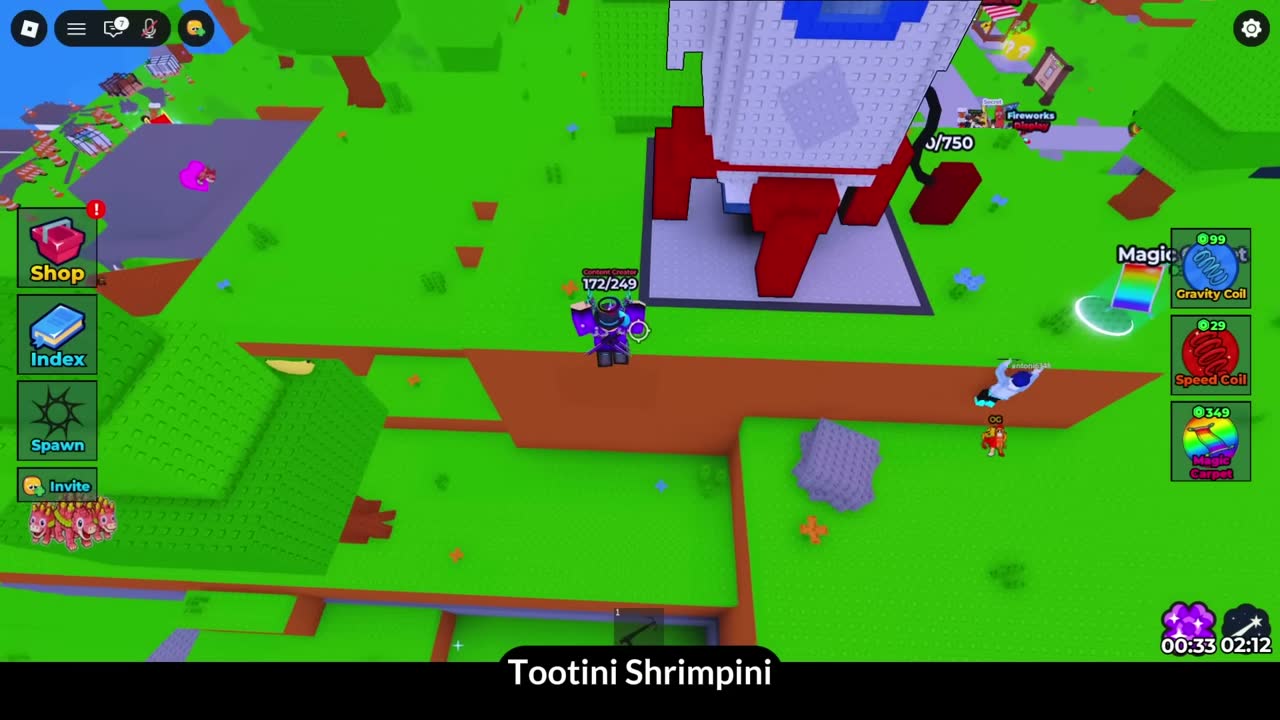
Find the Brainrot Guide
Short and direct: the 5 new brainrots in Update 396, where they are, and what to do when the trigger doesn’t work the first time.
What is Find the Brainrot?
This Find the Brainrot update 396 guide focuses on execution quality for the 5 highlighted new brainrots: route entry, trigger validation, and fallback checks when interactions fail. The point is to prevent wasted laps after every small mistake. Update-specific content tends to have tighter trigger windows and more prerequisite steps than base-game brainrots, because the developers assume players already understand core mechanics by the time they're hunting expansion content.
Compared with earlier builds, the expanded roster amplifies confusion from near-identical props and overlapping trigger paths. A reliable method is to run each new target with a fixed checklist: entry condition, trigger object, confirmation signal, and exit route. For example, if an update brainrot requires entering the Halloween portal, clicking a specific pumpkin, completing a 30-second obby, and then interacting with a final trigger, missing any one step means the brainrot won't spawn—and the game won't tell you which step failed.
From field notes and wiki patterns, the highest failure rate comes from false assumptions: players treat door passwords as global redeem codes, skip clue collection order, or leave event zones before validating pickups. Slow down at each checkpoint and verify index updates immediately. The game has a known desync issue where pickups don't register until you rejoin the server, so if you collect a brainrot and your index count doesn't increase within 5 seconds, that's a red flag to rejoin before continuing.
Update 396 specifically added brainrots tied to the Christmas/winter event dimension, which has its own portal and separate map layout. The 5 new brainrots from this update include high-tier entries (Brainrot God and Thebestsecret rarity), meaning they're not casual pickups—they require puzzle solutions, timed sequences, or RNG lucky block drops. The Dragon Gingerrino (Thebestsecret rarity) is locked behind a math gate that requires password 67, and the gate only appears after you've completed prerequisite steps in the winter dimension.
Common update-396 mistakes: (1) entering the winter portal but not exploring the full map (some brainrots are in hidden sub-areas), (2) attempting puzzles without collecting all clue fragments first (the math gate won't accept input until prerequisites are met), (3) assuming new brainrots follow the same spawn logic as base-game entries (update content often has unique mechanics), (4) not checking the index immediately after each pickup (desync issues are more common in event dimensions), (5) leaving the event dimension before completing all available targets (re-entry can reset progress on multi-step puzzles).
The update cadence matters for strategy: if you're playing shortly after an update drops, expect bugs and incomplete wiki documentation. If you're playing months later, the wiki will have detailed walkthroughs but the meta will have shifted (developers sometimes nerf difficult puzzles or adjust spawn rates based on completion data). For update 396 content, the current meta is to clear all base-game brainrots first (get to 390+/396) before focusing on the 5 new entries, because the new content assumes you have full map knowledge and can navigate quickly between dimensions.
| Step | What to Verify | Failure Pattern | Recovery Action |
|---|---|---|---|
| 1. Portal/zone entry | Correct map layer loaded | Entered wrong dimension | Re-enter from known portal |
| 2. Trigger interaction | Object actually clickable | Visual prop but no trigger | Reposition + re-click center hitbox |
| 3. Keypad/clue order | Numbers mapped correctly | Wrong sequence memory | Recollect clues and rewrite order |
| 4. Timed sequence | Timer window still active | Obby despawned mid-run | Reset and pre-position before start |
| 5. Index confirmation | Entry count increased | Assumed pickup without save | Recheck index, repeat if unchanged |
This checklist prevents the most common update-396 failure mode: assuming you got the brainrot when you actually didn't, then spending 20 minutes hunting for the "next" target when you never completed the previous one.
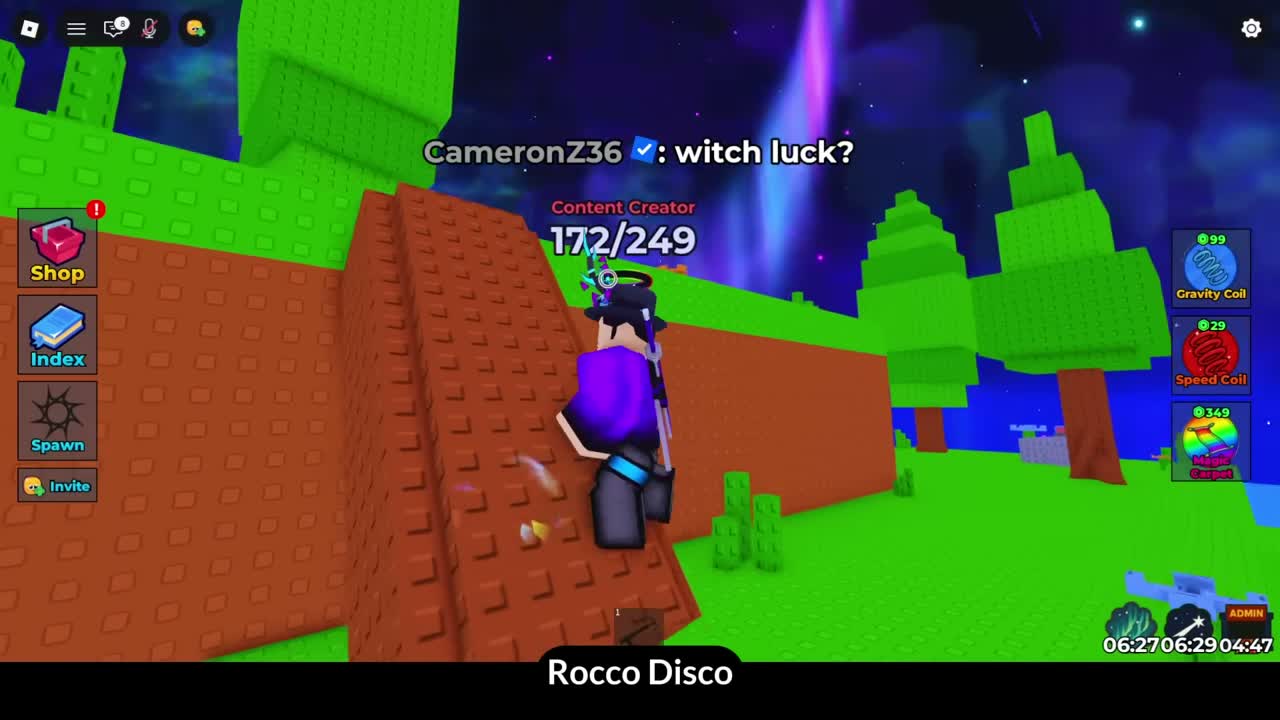
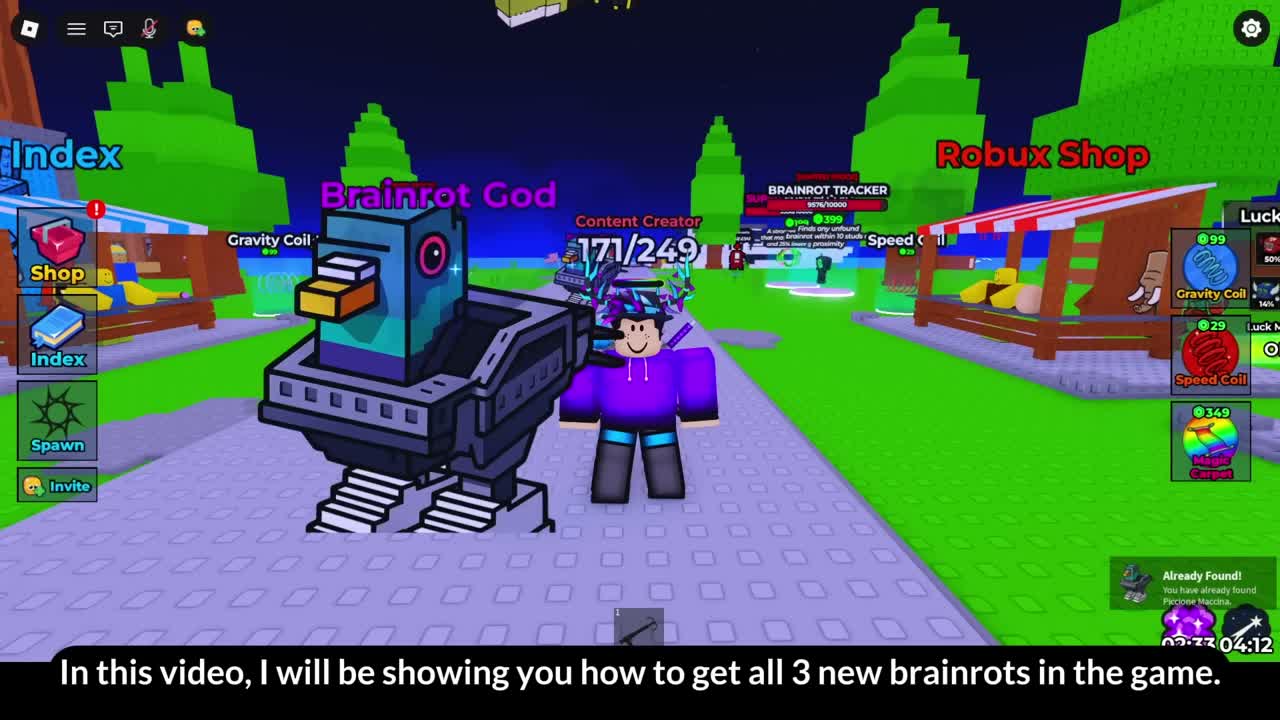
Gameplay Video
FAQ
What is Find the Brainrot update 396?
Find the Brainrot update 396 is one of the recent content updates that increases the brainrot total and adds 5 new pickups tied to specific map spots and triggers.
What is Update 396 in Find the Brainrot?
It’s one of the recent content updates that adds new brainrots and tweaks parts of the map. Players often search for it because it changes the total brainrot count and adds new hidden spots.
How many new brainrots are in Update 396?
The linked walkthrough covers 5 new brainrots for this update. If your game shows a different number later, it’s likely another update landed after 396.
Why can’t I see the new brainrot after doing the step?
Try re-entering the area, re-triggering the interaction, and checking nearby walls/edges. Some spots require standing in a very specific place, and lag can delay the spawn/collection.
Do I need any items to get the new brainrots?
Most new brainrots are obtainable with exploration + short parkour. If an item is required, it’s typically provided nearby (like a puzzle prop) rather than needing a gamepass.
Will this guide still work in later updates?
The route may change, but the method (check the update area, verify the trigger, and confirm the pickup) is reusable. Always double-check the latest update notes if something feels different.
Where should I go next after getting the 5 new brainrots?
Go back to the Locations guide and use it as a checklist for the last missing entries. Update brainrots are usually the last ones people miss.
Update 396 step isn’t working — the trigger won’t activate / brainrot won’t appear. How to fix?
Try these fixes: 1. Rejoin the server and retry the trigger. 2. Reset character and approach the trigger slowly. 3. Stand in the exact interaction spot (some are very tight). 4. Redo any nearby button/door step (puzzles can reset). 5. Wait a few seconds — lag can delay spawns. 6. If it still won’t work, hop servers (some instances bug out). Codes not working? Try these steps. If you can't see the trigger, rejoin.
More Games
Looking for more games like this? These picks usually match the same vibe and work well as quick alternatives.