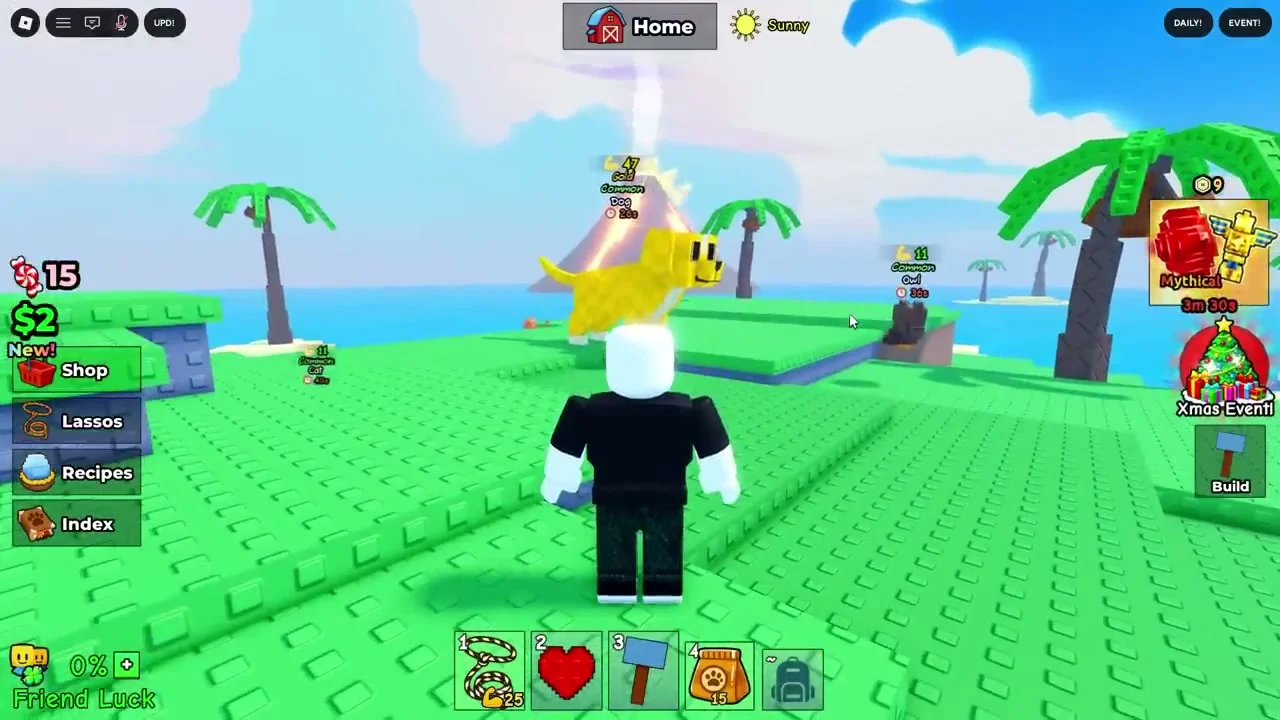
Catch And Tame Guide
Step-by-step walkthrough for redeeming codes in Catch And Tame, plus troubleshooting tips when codes won't work.
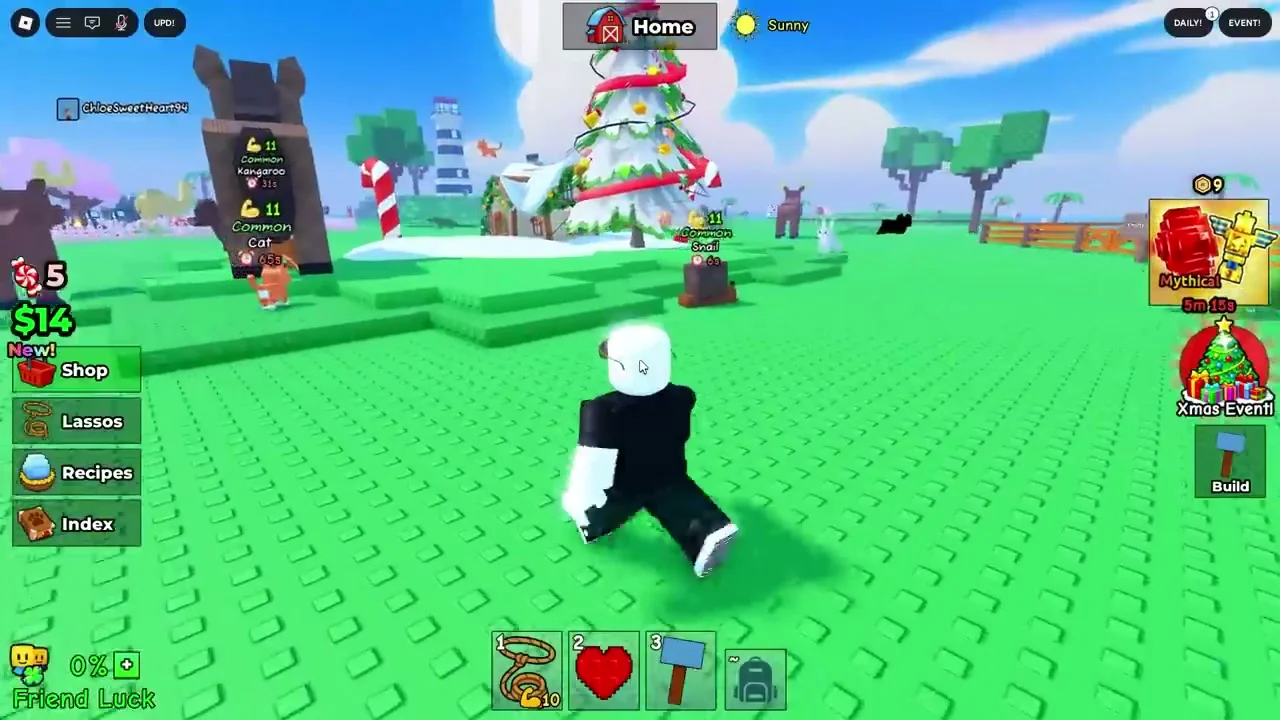
What is Catch And Tame?
Redeeming codes in Catch And Tame isn't as obvious as most Roblox games. The code box is tucked inside the Backpack menu instead of a dedicated button on the main screen. This guide walks you through every step and covers the most common reasons codes fail.
If you're looking for the actual codes to redeem, check our Catch And Tame codes page for the full updated list.
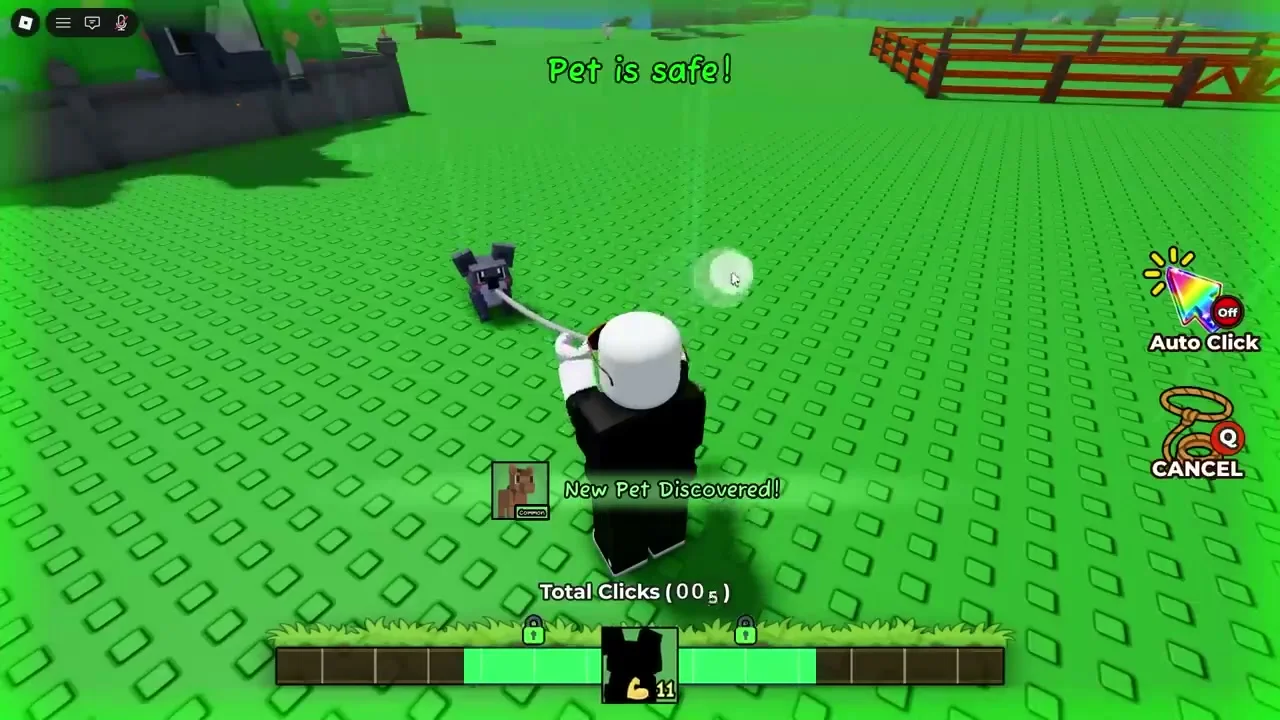
Gameplay Video
FAQ
Where is the code box in Catch And Tame?
It's inside the Backpack menu. Tap the Backpack icon on the left side of your screen, then look for the Codes tab at the top. That's where you paste and redeem.
Do codes need to be in all caps?
Yes. Codes are case-sensitive — type them exactly as shown, all uppercase. "update14" won't work, but "UPDATE14" will.
Why does it say 'invalid code' even though I typed it right?
You're probably on an old server. Codes only work on servers running v12.0 or later. Just leave and rejoin a new server, then try again.
Can I redeem codes on mobile?
Yep, same process. Tap the Backpack icon, go to Codes tab, paste your code. The UI is the same on mobile, PC, and console.
I redeemed a code but didn't get the reward — what happened?
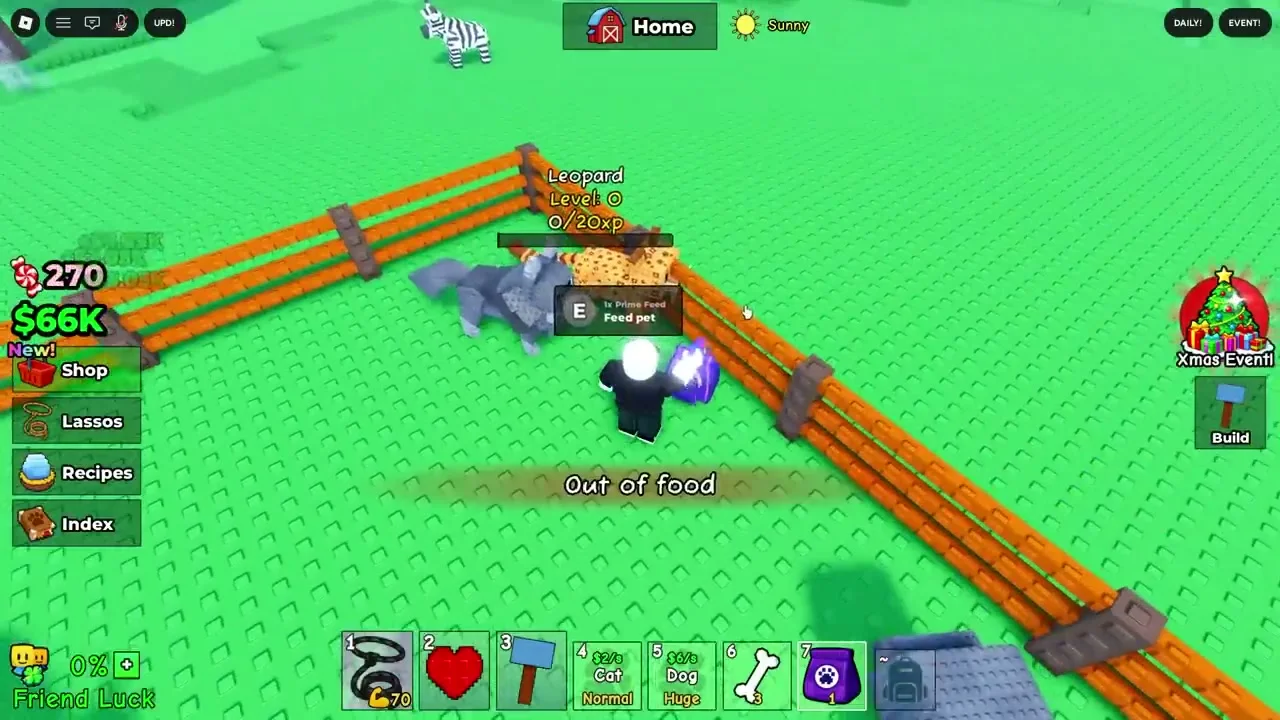
Check your inventory — food items like Steaks and Bones go straight into your food storage, not your main inventory. If it's truly missing, try rejoining the game.
More Games
Looking for more games like this? These picks usually match the same vibe and work well as quick alternatives.